 EN
EN

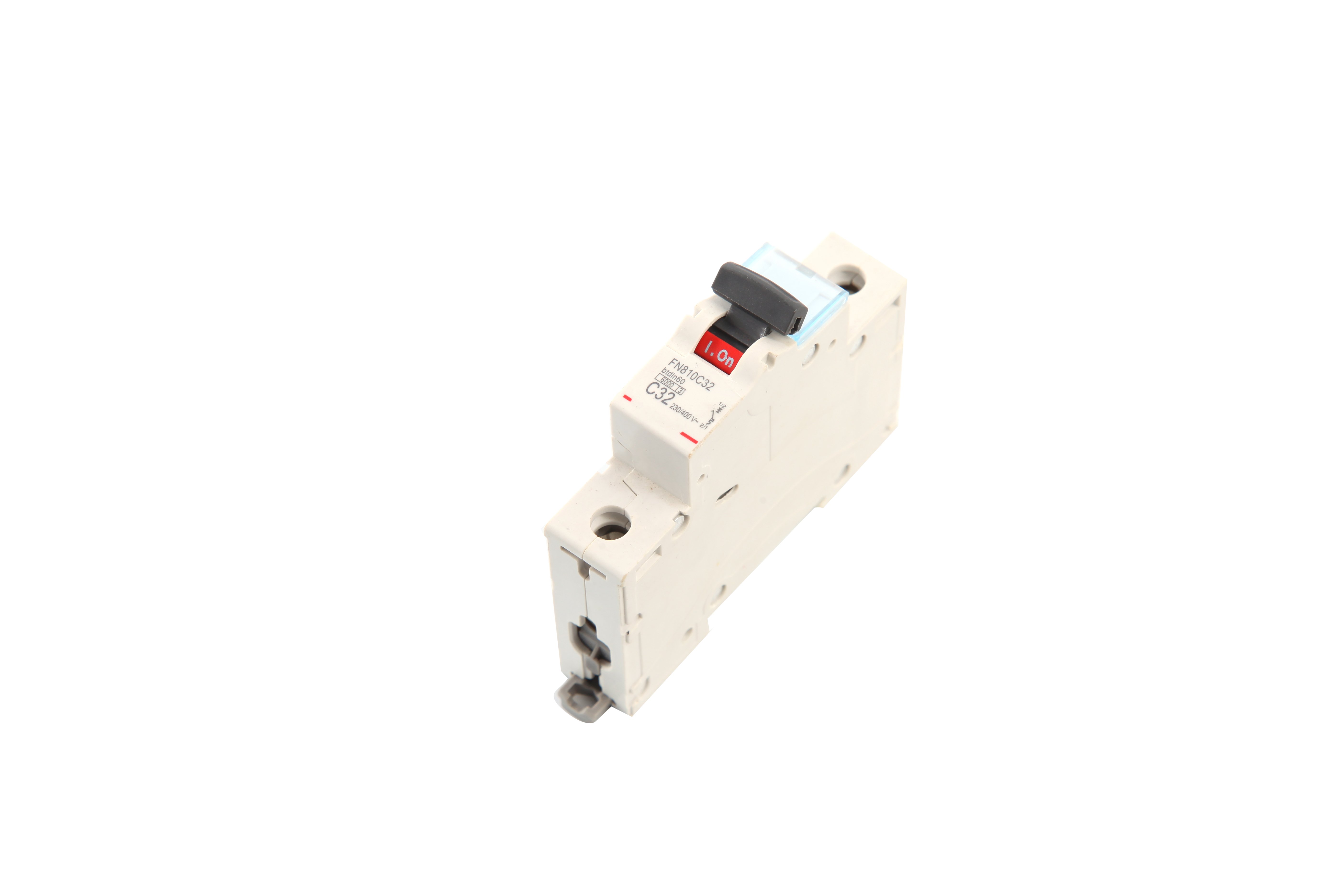
Installing a wifi switch for the first time can seem intimidating to beginners who lack electrical experience or smart home knowledge. However, modern wifi switch technology has evolved to prioritize user-friendly installation processes that eliminate the need for professional electricians in most residential scenarios. The combination of simplified wiring configurations, guided mobile applications, and built-in safety features has transformed what was once a complex task into an accessible project for homeowners. Understanding the specific design elements and installation aids that make wifi switch setup straightforward empowers beginners to confidently upgrade their homes with smart lighting control while avoiding common pitfalls that could lead to frustration or safety concerns.
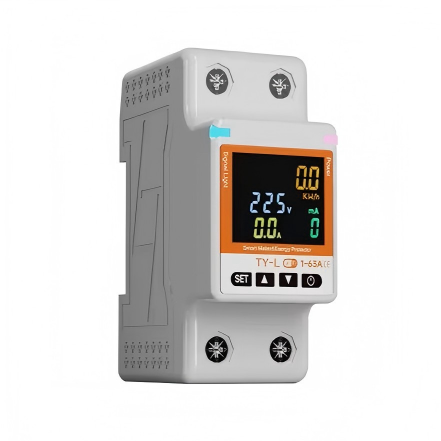
The ease of wifi switch installation stems from deliberate engineering choices that address the practical challenges faced by non-technical users. Manufacturers have standardized connection methods, reduced the number of required wires, and created visual guides that demystify the process. Beyond the physical installation, the digital setup process through smartphone applications has been streamlined to require minimal technical knowledge, with step-by-step wizards that handle network configuration automatically. This article explores the concrete features and methodologies that make wifi switch installation accessible to beginners, examining both the hardware design principles and software assistance tools that contribute to a smooth installation experience while maintaining electrical safety and reliable smart home functionality.
Simplified Wiring Design That Reduces Installation Complexity
Standardized Terminal Layouts for Intuitive Connections
Modern wifi switch units feature standardized terminal layouts that mirror traditional switch wiring patterns, allowing beginners to leverage existing electrical knowledge without learning entirely new systems. The typical wifi switch includes clearly labeled terminals for line input, load output, and neutral connections, with color-coded markings that correspond to standard residential wiring conventions. This design consistency means that someone familiar with basic light switch replacement can apply the same mental model when installing a wifi switch, reducing the cognitive load during the installation process. The terminal blocks themselves are engineered with screw-down or push-in connectors that provide secure wire retention without requiring specialized tools or professional-grade crimping equipment.
The physical spacing between terminals on a wifi switch is intentionally generous to prevent accidental wire contact and provide ample room for manipulation during installation. Beginners often struggle with cramped terminal arrangements that make it difficult to insert wires or tighten connections without inadvertently touching adjacent terminals. By incorporating wider spacing and recessed terminal wells, manufacturers have created wifi switch designs that accommodate less precise hand movements while maintaining electrical isolation. The terminal screws are sized to accept standard residential wire gauges without requiring wire stripping to exact lengths, and many units include insertion depth guides molded into the housing to ensure proper wire seating. This forgiveness in physical design directly translates to fewer installation errors and greater confidence for first-time installers.
Neutral Wire Integration Without Complex Modifications
One of the primary obstacles beginners face with wifi switch installation is the neutral wire requirement that differs from traditional mechanical switches. However, contemporary wifi switch designs have addressed this challenge through clearer documentation and alternative installation methods for homes lacking neutral wires at switch locations. Many modern units explicitly state neutral wire requirements on packaging and provide visual diagrams showing how to identify neutral wire bundles within switch boxes. For situations where neutral wires are present but bundled separately, the wifi switch includes pigtail connections or wire nuts that simplify the process of tapping into existing neutral bundles without disrupting other circuits.
Some advanced wifi switch models incorporate capacitive coupling technology that eliminates the neutral wire requirement entirely, specifically designed for older homes where running new neutral wires would require invasive electrical work. These no-neutral wifi switch variants allow beginners to complete installations using only the existing line and load wires found in traditional switch boxes. The internal circuitry compensates for the missing neutral connection through the light fixture itself, drawing minimal standby power through the load circuit. This innovation removes a significant barrier that previously forced beginners to either hire electricians or abandon wifi switch upgrades altogether, making smart home functionality accessible regardless of existing home wiring configurations.
Compact Form Factors That Fit Standard Electrical Boxes
The physical dimensions of a wifi switch directly impact installation ease, particularly for beginners working with crowded electrical boxes containing multiple wire connections. Manufacturers have refined wifi switch dimensions to match standard single-gang and multi-gang box sizes while minimizing the depth required for proper installation. The circuit boards and wireless components are engineered using compact layouts that fit within the same spatial envelope as traditional mechanical switches, eliminating the need for box extenders or modifications that would complicate installation. This dimensional compatibility means beginners can replace existing switches without confronting unexpected spatial challenges that require additional materials or problem-solving beyond the basic installation procedure.
The mounting mechanism for wifi switch units typically employs standard screw hole spacing that aligns with existing switch box mounting points, allowing direct attachment without adapter plates or special brackets. The mounting ears on the wifi switch are designed with elongated slots that provide adjustment range to accommodate boxes that may not be perfectly aligned or level. This built-in tolerance for imperfect mounting conditions reduces the precision required during installation and allows beginners to achieve secure mounting even if the electrical box was installed slightly off-specification. The faceplate attachment system uses conventional screw posts that accept standard decorator-style cover plates, maintaining aesthetic consistency with existing home fixtures and eliminating the need to source proprietary covers.
Guided Software Setup That Eliminates Technical Barriers
Step-by-Step Mobile Application Wizards
The software configuration process represents a critical component of wifi switch installation that can either empower or intimidate beginners. Leading wifi switch manufacturers have invested heavily in mobile application design that guides users through network setup, device pairing, and initial configuration without requiring knowledge of IP addresses, subnet masks, or wireless protocols. The typical setup wizard begins with automatic device discovery using Bluetooth or similar proximity-based protocols, eliminating the need for users to manually enter device identifiers or scan complex QR codes. Once the wifi switch is detected, the application presents clear visual instructions that correspond to physical status indicators on the device itself, creating a synchronized feedback loop that confirms correct progression through setup stages.
The network connection phase of wifi switch setup has been particularly streamlined to address common beginner confusion about wireless network credentials and connectivity troubleshooting. Modern applications automatically retrieve saved wireless network information from the smartphone itself, presenting users with a pre-populated list of available networks rather than requiring manual SSID entry. The wifi switch temporarily creates its own access point during initial setup, allowing the smartphone to transfer network credentials directly to the device without requiring the user to understand the underlying communication protocols. Error messages within the application are written in plain language that describes specific corrective actions rather than technical error codes, and many applications include embedded video demonstrations that show exactly what users should observe at each configuration stage.
Automatic Firmware Updates and Compatibility Checks
Firmware management represents a technical aspect of wifi switch operation that could easily overwhelm beginners if not handled automatically by the supporting software ecosystem. Quality wifi switch systems include automatic firmware update mechanisms that check for and install improvements without user intervention, ensuring that devices remain secure and compatible with evolving smart home platforms. The update process typically occurs during off-peak hours and includes fail-safe mechanisms that prevent updates from bricking devices if power interruptions occur mid-installation. This background maintenance eliminates the need for beginners to monitor firmware versions, download update files, or navigate technical update procedures that could introduce configuration errors.
Compatibility verification is another automated function that protects beginners from purchasing or installing wifi switch units that won't integrate properly with their existing smart home ecosystems. The mobile applications associated with modern wifi switch products include ecosystem detection features that identify which voice assistants, automation platforms, and other smart devices are active on the user's network. Before completing installation, the application confirms that the wifi switch firmware version supports the detected platforms and automatically configures necessary integration protocols. This proactive compatibility management prevents the frustration of completing physical installation only to discover that the wifi switch cannot communicate with existing smart home infrastructure, a common issue that previously required extensive troubleshooting or product returns.
Visual Feedback Systems for Status Confirmation
Physical status indicators on the wifi switch itself play a crucial role in helping beginners confirm correct installation and operation without requiring diagnostic equipment or technical testing procedures. LED indicators are strategically positioned on the switch face or edge to communicate power status, network connectivity state, and pairing mode through intuitive color codes and blinking patterns. The most effective wifi switch designs use universally recognizable color conventions, such as solid blue for successful connection, flashing amber for pairing mode, and red for error conditions, eliminating ambiguity about device status. These visual cues allow beginners to verify proper installation immediately after powering the circuit, providing confidence that wiring connections are correct before closing up the electrical box and installing faceplates.
The mobile application complements physical indicators by displaying real-time status information that mirrors the on-device LEDs while providing additional context about network signal strength, firmware version, and load characteristics. When beginners first power on a newly installed wifi switch, the application immediately displays the device discovery process with progress indicators that set appropriate expectations for connection timing. If connection issues arise, the application cross-references the physical LED pattern with potential causes, presenting targeted troubleshooting steps that address the specific failure mode. This coordinated feedback between hardware indicators and software interfaces creates a comprehensive status communication system that enables beginners to diagnose and resolve installation issues independently without requiring technical support intervention.
Built-In Safety Features That Protect Novice Installers
Reverse Polarity Protection and Wiring Error Detection
Electrical safety represents the primary concern for beginners attempting wifi switch installation, and modern devices incorporate multiple protection mechanisms that prevent damage from common wiring mistakes. Reverse polarity protection circuitry detects when line and load connections are inadvertently swapped and either corrects the condition internally or prevents device operation until wiring is corrected. This protection eliminates the risk of damaging the wifi switch electronics through incorrect wire placement, a common error when beginners misidentify wires in older electrical boxes with non-standard color coding. The protection circuitry typically includes visual or audible alerts that signal wiring errors immediately upon power-up, allowing correction before the installation is finalized.
Advanced wifi switch models include ground fault detection that monitors for current leakage indicating insulation problems or moisture intrusion that could create shock hazards. When the wifi switch detects abnormal current flow patterns, it automatically disconnects power to the load circuit and sends an alert through the mobile application describing the detected condition. This proactive safety monitoring provides an additional layer of protection beyond standard circuit breaker protection, particularly valuable in bathrooms, kitchens, and outdoor installations where moisture exposure increases risk. For beginners who may not recognize subtle signs of electrical problems, this automated monitoring system provides peace of mind and early warning of conditions that require professional evaluation.
Overload Protection With Automatic Shutdown
Load capacity management is another area where wifi switch safety features protect beginners from installation errors or misapplication. Each wifi switch includes clearly stated maximum load ratings expressed in both watts and amperes, with internal monitoring circuits that continuously track actual load current. If the connected load exceeds rated capacity, whether due to incorrect fixture selection or subsequent modifications, the wifi switch automatically disconnects power and logs the overload event in the mobile application. This protection prevents overheating, insulation breakdown, and potential fire hazards that could result from sustained operation beyond design limits, conditions that beginners might not detect through casual observation.
The mobile application provides load monitoring dashboards that display real-time power consumption and historical usage patterns, helping beginners understand whether their connected fixtures are appropriately matched to the wifi switch specifications. These monitoring features include warnings when sustained loads approach 80 percent of rated capacity, prompting users to redistribute loads or upgrade to higher-capacity units before problems develop. For installations controlling multiple fixtures through a single wifi switch, the application calculates cumulative load and compares it against device ratings, preventing the common beginner mistake of summing fixture wattages incorrectly or overlooking transformer losses in LED and CFL lighting systems.
Thermal Management and Component Protection
Heat generation within electrical boxes poses a reliability and safety concern that wifi switch designs address through intelligent thermal management systems. Internal temperature sensors monitor critical component temperatures and adjust operating parameters to maintain safe thermal conditions even in enclosed switch boxes with limited ventilation. If temperatures exceed safe thresholds due to high ambient conditions, excessive load, or poor box ventilation, the wifi switch implements thermal throttling that reduces maximum load capacity while sending notifications through the mobile application. This dynamic thermal management prevents component degradation and maintains safe surface temperatures that won't damage surrounding wiring insulation or mounting box materials.
The physical construction of quality wifi switch units includes heat dissipation features such as thermal vias in circuit boards, heat-spreading mounting plates, and ventilation channels molded into the housing. These passive cooling mechanisms work continuously to transfer heat away from critical electronic components and distribute it across the mounting surface where the electrical box acts as a heat sink. For beginners who may install wifi switch units in locations with poor ventilation or high ambient temperatures, these thermal management features provide tolerance for less-than-ideal installation conditions without requiring active cooling fans or external ventilation modifications that would complicate installation.
Comprehensive Documentation and Support Resources
Visual Installation Guides With Photo-Realistic Diagrams
The quality and clarity of installation documentation directly determines whether beginners can successfully complete wifi switch installation independently. Leading manufacturers provide multi-format documentation including printed quick-start guides, detailed PDF manuals, and interactive digital resources accessible through QR codes on the product packaging. The most effective guides use photo-realistic illustrations that show actual wire colors, terminal positions, and tool placement rather than simplified schematic diagrams that require interpretation. Each installation step is presented as a discrete action with accompanying photographs showing hand positions, tool orientation, and expected results, eliminating ambiguity about procedural details that text descriptions might leave unclear.
Wiring diagrams for wifi switch installation are presented in multiple viewing formats to accommodate different electrical box configurations and existing wiring scenarios. Rather than providing a single generic diagram, comprehensive documentation includes separate illustrations for single-pole replacements, three-way configurations, installations with and without neutral wires, and special cases such as fan-light combinations. Each diagram identifies wire functions using both color coding and textual labels, acknowledging that older installations may use non-standard wire colors. The documentation explicitly states which wire identification methods are reliable versus those that should be verified with electrical testing, helping beginners avoid dangerous assumptions about wire functions based solely on insulation color.
Video Tutorials Demonstrating Complete Installation Procedures
Video content has become an essential support resource for wifi switch installation, providing beginners with dynamic demonstrations that convey procedural details difficult to communicate through static images alone. Manufacturer-produced installation videos typically range from five to fifteen minutes and follow a complete installation from power shutdown through final testing. The most valuable videos use point-of-view camera angles that show tool manipulation and wire handling from the installer's perspective, making it easier for beginners to replicate movements and techniques. Commentary in these videos addresses common points of confusion, such as how to identify the line wire when multiple black wires are present, or how to safely test circuits before beginning work.
The distribution of video tutorials through multiple platforms ensures accessibility regardless of how beginners prefer to consume instructional content. Manufacturers upload videos to YouTube for broad public access, embed them within mobile applications for context-sensitive help, and host them on product support websites with searchable transcripts. This multi-platform approach allows beginners to access guidance at the moment of need, whether they're planning an installation from their computer, reviewing steps on a smartphone while standing at the electrical box, or troubleshooting issues after initial installation attempts. The ability to pause, replay, and slow down video demonstrations provides learning flexibility that accommodates different skill levels and processing speeds among beginner installers.
Responsive Customer Support With Technical Expertise
Even with excellent documentation and intuitive design, beginners occasionally encounter unique situations that require personalized guidance from knowledgeable support staff. Quality wifi switch manufacturers maintain customer support channels staffed by representatives with genuine electrical and networking expertise rather than script-reading generalists. These support teams can interpret descriptions of unusual wiring configurations, diagnose connectivity problems based on reported LED patterns, and provide specific guidance for non-standard installation scenarios. The availability of support through multiple channels including phone, email, live chat, and social media messaging ensures that beginners can obtain help through their preferred communication method without being forced into uncomfortable interaction modes.
Support resources extend beyond reactive problem-solving to include proactive education through knowledge bases, FAQ repositories, and community forums where experienced users share installation tips and solutions. These self-service resources allow beginners to research potential issues before starting installation, review solutions to problems similar to those they're experiencing, and gain confidence through exposure to others' successful installation experiences. Many manufacturers maintain moderated user communities where beginners can post photos of their specific wiring situations and receive guidance from both company representatives and experienced community members. This combination of formal support infrastructure and peer assistance creates a comprehensive safety net that reduces the risk of beginners becoming stuck at critical installation stages with no clear path forward.
FAQ
Do I need any special tools to install a wifi switch?
Most wifi switch installations require only basic tools that homeowners typically have available, including a flathead and Phillips screwdriver, wire strippers, and a voltage tester. The voltage tester is the most critical safety tool for confirming that power is completely shut off before beginning work. Some installations may benefit from needle-nose pliers for manipulating wires in crowded boxes and a flashlight for adequate visibility. No specialized electrical testing equipment or professional-grade tools are necessary for standard residential wifi switch installations, though a non-contact voltage detector provides additional safety verification for beginners concerned about electrical exposure.
Can I install a wifi switch if my home has old two-wire electrical systems?
Installing a wifi switch in homes with old two-wire systems that lack neutral conductors at switch locations is possible using either no-neutral wifi switch models specifically designed for this application or by consulting with an electrician about running neutral wires to affected switch boxes. No-neutral wifi switch variants use alternative power delivery methods that work with only line and load connections, though they may have limitations on minimum load requirements or compatible bulb types. Before purchasing a wifi switch for an older home, verify whether neutral wires are present in your switch boxes and select models explicitly rated for your wiring configuration to ensure successful installation without requiring electrical system modifications.
How do I know if I installed the wifi switch correctly before turning the power back on?
Before restoring power, visually verify that all wire connections are secure with no exposed conductor visible beyond terminal blocks, that wires are neatly arranged within the electrical box without pinching or strain, and that the wifi switch is properly seated against the mounting box with both mounting screws tightened. Confirm that no wires are touching each other or the sides of the metal electrical box, and that the wire nut connecting to the neutral bundle is tight. After these visual checks, restore power at the circuit breaker and observe the LED indicators on the wifi switch, which should illuminate in the pattern described in the installation guide for successful power-up. If the switch does not power on or shows error indicators, immediately shut off power and review wiring connections against the installation diagram.
What should I do if the wifi switch powers on but won't connect to my wireless network?
Connectivity issues after successful physical installation typically relate to wireless network configuration rather than wiring problems. First, verify that your smartphone has granted the wifi switch mobile application all requested permissions, particularly location access which is required for Bluetooth pairing on most platforms. Confirm that the wifi switch is within adequate range of your wireless router and that you are attempting to connect to a 2.4GHz network, as most wifi switch models do not support 5GHz bands. If connection attempts fail repeatedly, perform a factory reset on the wifi switch according to the manufacturer's instructions and restart the setup process from the beginning. Check that your wireless network name does not contain special characters that some devices cannot process, and temporarily disable MAC address filtering or guest network isolation features on your router that might block new device connections.
Table of Contents
- Simplified Wiring Design That Reduces Installation Complexity
- Guided Software Setup That Eliminates Technical Barriers
- Built-In Safety Features That Protect Novice Installers
- Comprehensive Documentation and Support Resources
-
FAQ
- Do I need any special tools to install a wifi switch?
- Can I install a wifi switch if my home has old two-wire electrical systems?
- How do I know if I installed the wifi switch correctly before turning the power back on?
- What should I do if the wifi switch powers on but won't connect to my wireless network?