

Q: How to integrate WiFi Smart Switches into existing SCADA systems for modern factory automation?
Answer:
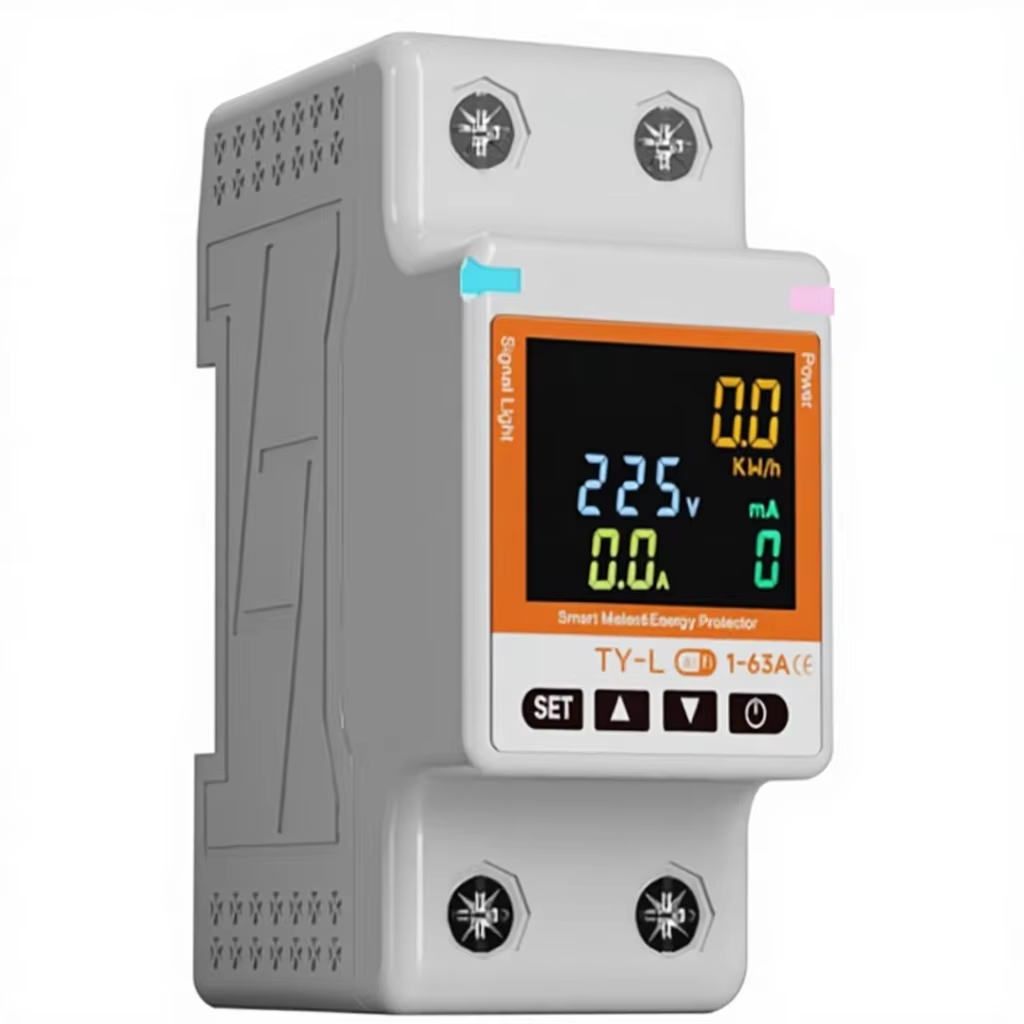
Many established factories operate using traditional, wired automation infrastructures. These legacy systems rely heavily on Programmable Logic Controllers (PLCs) and Supervisory Control and Data Acquisition (SCADA) software communicating over industrial networks like Modbus TCP, EtherNet/IP, or Profinet. While these wired systems are exceptionally robust, expanding them to include modern monitoring, remote overrides, and localized power tracking can be highly expensive and complex. To overcome these barriers, automation engineers are increasingly adopting DIN rail-mounted WiFi Smart Switches. These devices offer a highly cost-effective and flexible way to add remote switching and energy metering to existing systems without running new control cables. However, because WiFi smart switches are fundamentally IoT devices that often communicate via cloud-oriented protocols (such as MQTT or HTTP APIs), integrating them into local SCADA platforms requires bridging the gap between wireless IT networks and industrial OT networks. This B2B guide outlines the system architecture, integration methodologies, configuration steps, and security protocols required to seamlessly integrate WiFi smart switches into your existing SCADA system.
The Integration Challenge: Bridging the IT and OT Divide
To successfully combine WiFi smart switches with traditional SCADA networks, you must understand the different communication architectures of IT and OT systems:
To make a WiFi switch work inside a SCADA system, we must establish a protocol translator that reads the WiFi switch's JSON-formatted MQTT or HTTP data and maps those values directly into standard Modbus TCP registers that the SCADA system can understand.
Three Common Integration Methodologies
Depending on your factory's existing hardware and software architecture, you can use one of three reliable integration methods:
Step-by-Step Implementation Procedure
Follow this structured engineering procedure to deploy and integrate the WiFi smart switches:
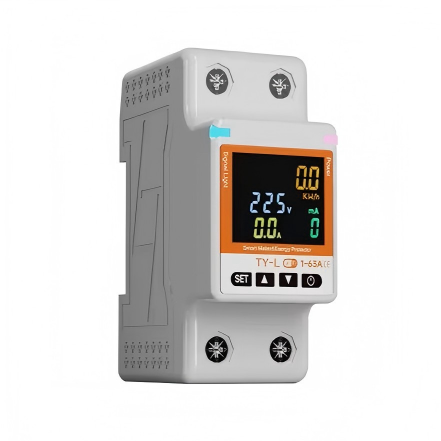
1. Install Hardware: Mount DAQCN WiFi Smart Switches on standard DIN rails inside your electrical cabinets. Connect the switch inputs to the control circuit breaker and the output terminals to the indicator lights or contactor coils that you wish to monitor.
2. Configure a Dedicated Industrial WiFi Network: For reliability and security, establish a dedicated, secure industrial WiFi SSID separated from the public office network (using VLAN tagging). Use enterprise-grade wireless access points to ensure full coverage.
3. Assign Static IP Addresses: Configure each WiFi smart switch with a static IP address or bind their MAC addresses in your router's DHCP reservation table. This ensures the protocol translator or SCADA system always knows the exact network location of each device.
4. Set Up the Protocol Translator (using Node-RED as an example): Install Node-RED on your SCADA server. Create an HTTP or MQTT input node to receive data from the DAQCN WiFi switches. Add a JSON parser node to extract individual parameters. Connect these extracted parameters to a Modbus TCP server node, assigning them to specific holding registers.
5. Map Registers in SCADA Software: Open your SCADA software (such as Ignition or Wonderware). Add a new Modbus TCP device driver, pointing to the IP address of the Node-RED translator. Create tags that link directly to the mapped Modbus registers. Design a user-friendly dashboard showing real-time current charts and active states.
6. Security Hardening: Implement firewalls to restrict the WiFi switches' network segment, allowing them to communicate only with the local MQTT broker or SCADA server. Disable WAN access for the switches to eliminate external security risks.
Sourcing DAQCN WiFi Smart Switches for Industry
DAQCN is a leading supplier of advanced, smart electrical components designed for industrial and commercial automation. Our WiFi Smart Switches feature compact DIN rail-mounting form factors, high-performance internal relays, and CE-certified energy metering chips. They are designed to support open communication protocols, local LAN APIs, and direct MQTT integration, making them highly versatile tools for systems integrators and automation engineers looking to modernize legacy factory systems.
Conclusion
Integrating WiFi smart switches into existing SCADA systems represents an exceptional, low-cost strategy for modernizing legacy factory automation. By bridging the wireless TCP/IP network with industrial Modbus TCP protocols using local APIs or MQTT brokers, automation engineers can add remote control capabilities and high-precision power monitoring to existing panels without running expensive control cables or upgrading PLCs. Choose DAQCN's industrial-grade WiFi smart switches to ensure maximum hardware durability and seamless system integration. Contact DAQCN today to request technical specifications and consultation for your next factory automation project.
Discover DAQUAN’s CE/TUV-certified relays, timers, energy meters & WiFi smart switches for industrial automation. ISO9001 factory in Wenzhou, 30 km to airport, global OEM/ODM.
No. 172, Xinguang Avenue, Xinguang Industrial Zone, Liushi Town
Copyright © 2026 WENZHOU DAQUAN ELECTRIC CO.,LTD All rights reserved. Privacy Policy
 EN
EN
 Hot News